
MaxiSpin App: Android APK and Mobile Play in Australia
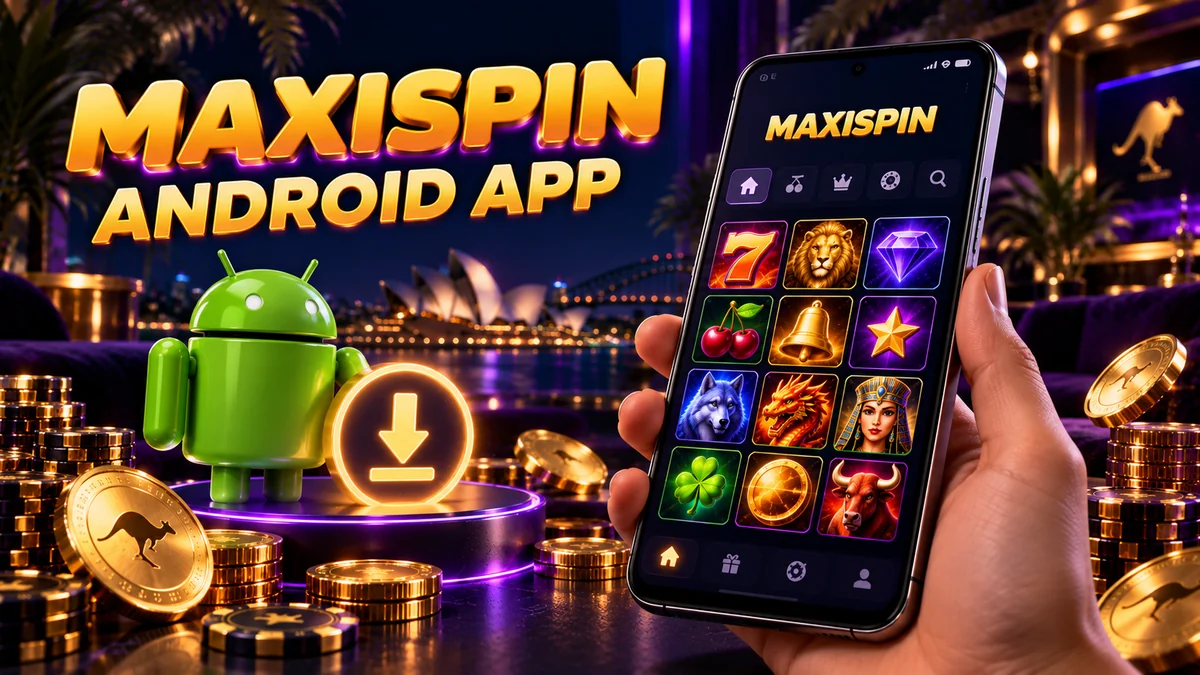
MaxiSpin's Android app is an APK you download from the casino's own site, since it isn't listed on Google Play. On iPhone and iPad you play through the mobile site in Safari or Chrome.
What the MaxiSpin app actually is
MaxiSpin offers its Android app as a direct download: an APK file you grab from the casino site and install yourself. APK files only run on Android, which is why iPhone and iPad owners use the mobile version of the site. Both routes lead to the same MaxiSpin casino in Australia, with AUD accounts, 6,000+ games from 80+ providers and help from live chat or email.
There's no second profile to set up. You sign in with the account you registered on the website, and your balance, any active bonus and your verification status all belong to that account. That helps while you're clearing a bonus, because 45x wagering inside 7 days takes a lot of play: you can start on the laptop at night and pick it up on the phone during the commute.
How to install the MaxiSpin APK on Android
Downloading the MaxiSpin app takes a few minutes and one change in your phone's settings, and that settings change is where most people get stuck.
- Open the casino site on your phone. Chrome is fine, or whichever browser you normally use. Find the Android app download link on the MaxiSpin site.
- Download the APK. Your browser may warn that this type of file can harm your device. Android shows that warning for every APK from outside Google Play, so keep the file only if it came from the MaxiSpin site.
- Allow installs from your browser. Tap the downloaded file. Android will say installs from this source aren't allowed yet: tap Settings, switch on Allow from this source for your browser, then go back. Some older phones call the same switch Unknown sources and keep it in the Security menu.
- Install and open. Tap Install. Google Play Protect may scan the app first, and once it finishes you can tap Open.
- Sign in. Use the same login details you registered on the website. Our page on MaxiSpin login on mobile covers password resets and new accounts.
- Switch the permission off again. Go back to Install unknown apps in Settings and turn off your browser's access. The app you just installed keeps working, while any other file downloaded through that browser will have to ask before it installs.
An App not installed error usually points to low storage or a download that cut out halfway. Free up some space, delete the broken file and get a fresh copy from the MaxiSpin site.
MaxiSpin on iPhone and iPad: the browser version
iOS can't install APK files, so MaxiSpin on iOS means the mobile site. Open the casino in Safari or Chrome and log in with your usual details: the account and cashier are the same ones you'd see on a desktop.
A Home Screen icon is still possible. Add to Home Screen is built into Safari and works for any website:
- Open the MaxiSpin site in Safari.
- Tap the Share button, the square with an arrow pointing up.
- Scroll down the menu and tap Add to Home Screen.
- Rename the shortcut if you like, then tap Add.
What you get is a shortcut to a website, so nothing needs updating and it uses almost no storage.
App or browser: what changes
| Feature | Android APK | Mobile browser |
|---|---|---|
| Where you get it | Download from the MaxiSpin site | Open the casino site in any browser |
| Devices | Android phones and tablets | iPhone, iPad and Android |
| Google Play listing | No, installed manually | Not needed |
| Setup | Allow installs from your browser once | Nothing to install |
| Phone storage | Uses space for the installed app | Browser cache only |
| Home screen icon | Added on install | Add manually (Add to Home Screen in Safari) |
| Updates | Not delivered through Google Play | The site is always the current version |
| Account | Your MaxiSpin login | The same MaxiSpin login |
If you use MaxiSpin as a mobile casino in Australia, convenience is what settles the choice. An Android player who opens the casino most days will appreciate having the APK icon one tap away. On an iPhone, or if you'd prefer to leave your security settings alone, the browser gets you into the same account with nothing installed.
Get on Wi-Fi before you join live tables on your phone if you can. A dealer video stream eats far more data than a round of pokies, whether it plays in the app or the browser.
MaxiSpin on your phone
Android APK from the casino site or the mobile site on iPhone. Card and e-wallet deposits from A$25 and up to 300 free spins across three tiers.
Deposits, withdrawals and verification on your phone
All banking runs through your MaxiSpin account, so the limits don't change with the device in your hand. Card, e-wallet and voucher deposits start at A$25; crypto deposits need A$100 or more. Cash-outs are paid as a bank transfer or in crypto: a single transaction is A$250–650 and no more than A$3,500 can go out in a day.
Sort out verification before you request a withdrawal from your phone. MaxiSpin needs photo ID, a utility bill dated within 30 days and a bank statement before the first cash-out, and your phone camera is enough for all three. Lay each document flat, shoot it in good light with all four corners in frame, and upload the original photo so the text stays sharp. Reviewers put processing at roughly 3 hours to 3 days, with bank or network time on top, and a request stays in pending while documents are missing or the 45x wagering is unfinished.
Staying safe with the MaxiSpin APK
An APK installs whatever code is packed inside it, and outside Google Play no store listing stands behind the file. A few habits keep that side of things tidy:
- Only download the MaxiSpin APK from the casino site, and check the address bar first to make sure it's the site you normally log in to. Ignore copies on APK mirror sites, forums and in messages, even when they claim to be a newer version.
- Keep Google Play Protect switched on and let it scan the app. Don't turn it off to force an install through.
- Be wary of permission requests that have nothing to do with playing, such as access to your contacts or text messages. If something looks off, cancel and delete the file.
- Use a screen lock and log out if someone else borrows the phone, since a signed-in casino app sits one tap from your balance.
- Uninstalling works the same as for any other Android app, and your account and balance stay with MaxiSpin.
Update promptsWhen you need a newer version of the app, get it from the MaxiSpin site the same way you got the first one. Type the address yourself instead of tapping update links in emails or pop-ups.
MaxiSpin app FAQ
Is there a MaxiSpin app for iPhone?
What you can download is an Android APK, and iOS can't install APK files. On iPhone and iPad you play through the mobile site in Safari or Chrome, with an optional Home Screen shortcut.
Is the MaxiSpin app on Google Play?
No. You get the Android version as an APK from the casino site, download it there and let your browser install it. Copies on third-party download sites are not the file to trust.
How do I install the MaxiSpin APK?
On your Android phone, download the file from the MaxiSpin site and tap it. Allow installs from your browser when asked, tap Install and sign in, then switch the browser permission off again.
Can I use the same account on the app and the website?
Yes. The app logs in to your existing MaxiSpin account, so balance, active bonus and verification status carry across. Casinos, MaxiSpin included, normally allow one account per person, so don't register a second one for the app; the T&Cs have the details.
Does the MaxiSpin app have its own bonus?
Reviews list an app install bonus, and the current amount and conditions are shown in the promotions section, so check there before you install. The welcome package works the same on any device: three tiers starting at A$25, free spins topping out at 300 and 45x wagering inside 7 days.